

Unlock Google Pixel All Models ANY Carrier INSTANT
From: $35 USD (1,925 MKD)
- Permanent Network Unlock via USB (10-30 min).
- Unlock All Google Pixel Phone models.
- Any Android Version is Supported (17,16,15…)
Looking for a legitimate way to unlock your Google Pixel? Whether you have a Pixel 10 Pro XL, Pixel 10 Pro, Pixel 10 Pro Fold, Pixel 10, Pixel 9 Pro XL, Pixel 9 Pro, Pixel 9 Pro Fold, Pixel 9, Pixel 8 Pro, Pixel 8, Pixel 8a, Pixel 7 Pro, Pixel 7, Pixel 7a, Pixel 6 Pro, Pixel 6a, Pixel 6, Pixel 5a, Pixel 5, Pixel 4 XL, Pixel 4a, Pixel 4, Pixel 3 XL, Pixel 3a XL, Pixel 3a, Pixel 3, Pixel 2 XL, Pixel 2, Pixel XL, Pixel, or Pixel Fold — the process is straightforward.
If your device is SIM-locked to a carrier (AT&T, Verizon, T-Mobile, Sprint, Boost, Xfinity, Spectrum, Tracfone, or any other network, including international carriers), you’ll need to unlock it before you can use a different SIM.
Why Unlock Your Google Pixel Remotely via USB?
Unlocking removes the network restriction so you can insert a SIM card from any carrier worldwide. Benefits include:
- Higher resale value — unlocked devices typically sell for 30–40% more
- Freedom to switch carriers or use any SIM without risk of relocking
- Ability to avoid expensive roaming charges by using local SIMs while traveling
Steps to Remotely Unlock Google Pixel 10 Through Pixel 1 (All Carriers Supported)
Unlocking your Pixel remotely is simple. Follow these steps for a permanent, factory unlock that survives updates and factory resets:
1 Open our Google Pixel unlocking page and select Google Pixel Remote Unlock. Scroll up or click here to start.
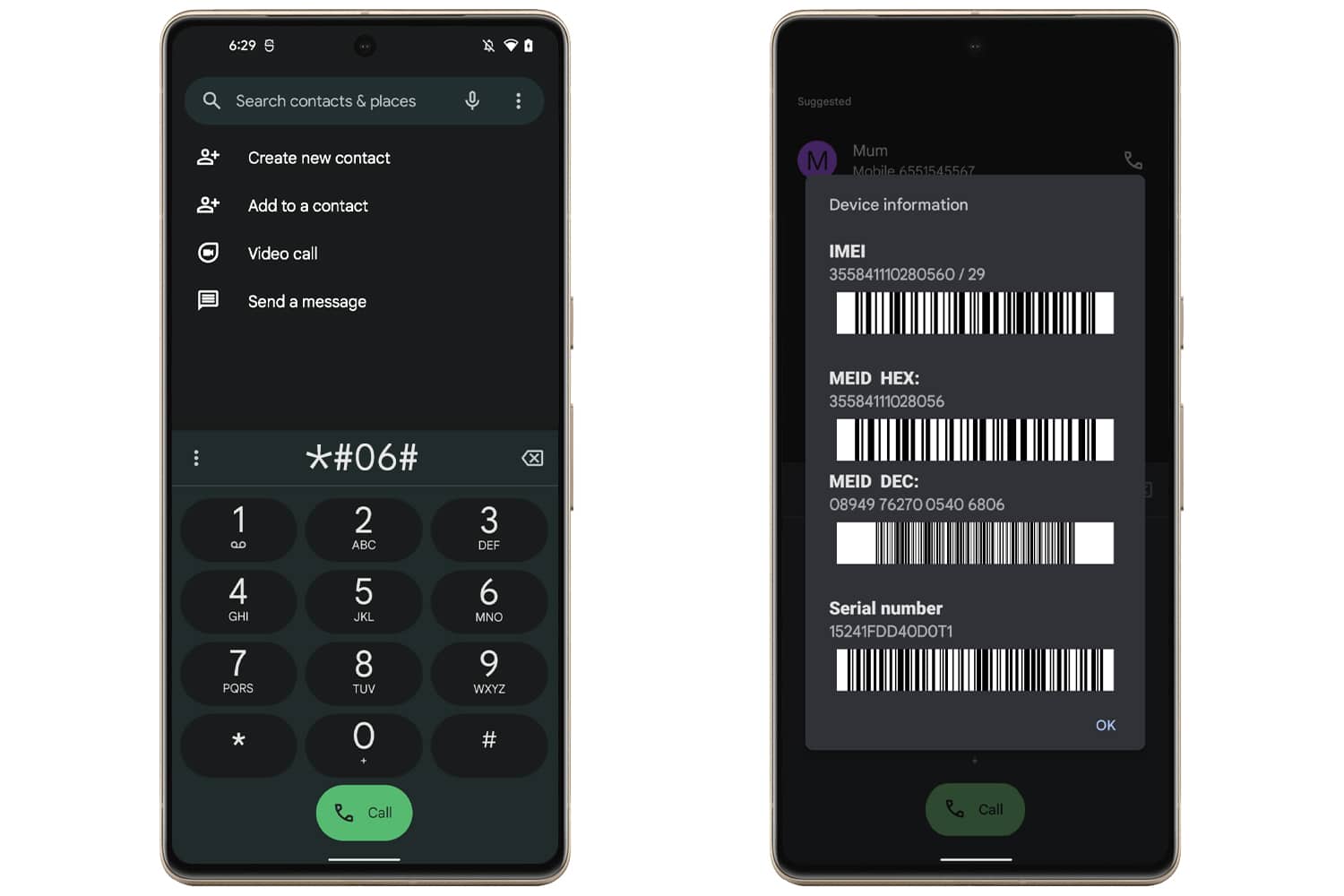
2 Find your device’s IMEI number. Go to Settings > About phone or dial *#06#.
3 Proceed to the checkout page, enter your contact information, choose a payment method, and complete the order.
4 After we receive your order, you’ll get an email with clear instructions. You’ll work with an UnlockBoot technician to complete the unlock.
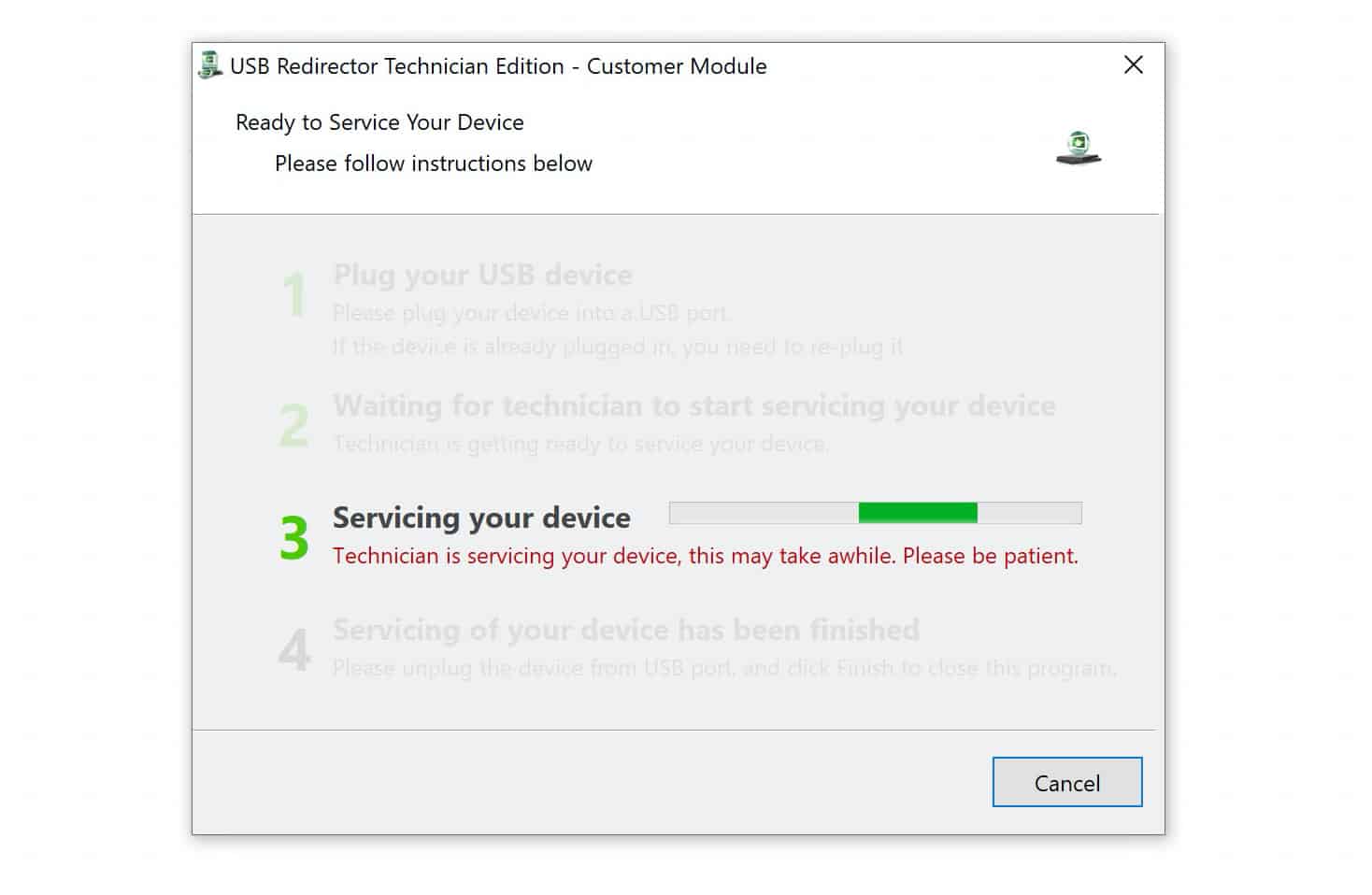
For the fastest service, contact us via live chat once your order is confirmed.
The unlock usually takes 5–10 minutes, depending on your technical experience and internet speed. A Windows PC (Windows 11, 10, 8, or 7) is required.
This is a permanent unlock. You can update the software, factory reset the device, or change SIMs freely — it will remain unlocked forever.
That’s it. Your Google Pixel will work with any network. If you have questions, our support team is ready to help.
2 reviews for Unlock Google Pixel All Models ANY Carrier INSTANT
Add a review
You must be logged in to post a review.
Michael S. –
Service was easy and quick. Got my Verizon Pixel 7 unlocked via usb in less than a hour and it worked perfectly. Highly recommend.
mdjonayed3080 –
Good